
CmPOS POS Desk ECO
Countertop touch station for shops, restaurants and laundries
CmPOS POS Desk ECO combines touch monitor and printer housing in a compact station for the cash point. The tilting display allows you to adapt the working position, while the different configurations allow you to choose computer, printer and peripherals depending on the activity.
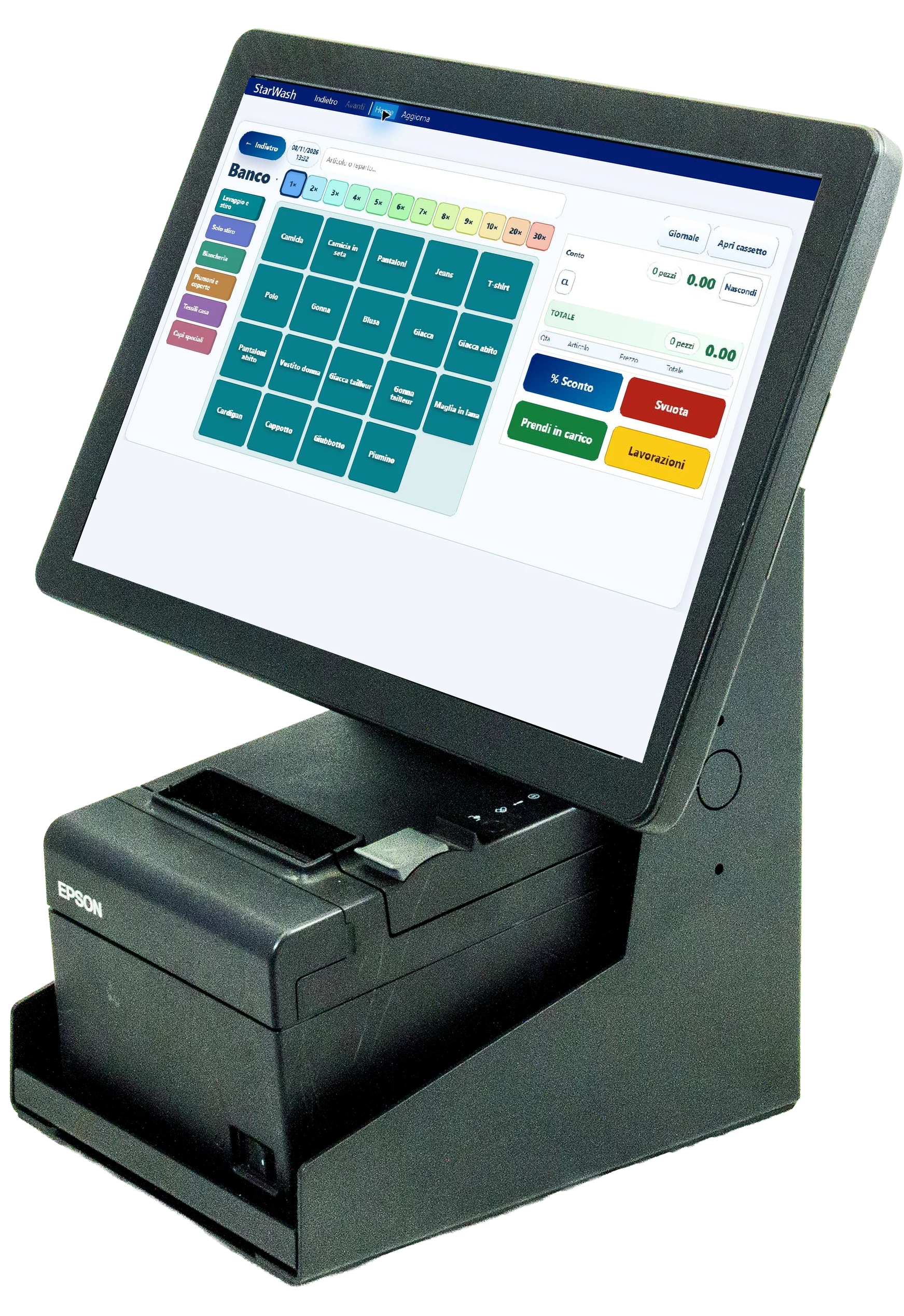
A tidy station on the counter
The stand integrates space for the printer and can be completed with customer displays, scanner and support for the payment terminal. The choice of setup helps to organize the elements used during the sale and to contain the size of the separate peripherals. The screen can be arranged horizontally or vertically, depending on the model and available space.
Features of CmPOS POS Desk ECO
| Feature | Equipment and options |
|---|---|
| Touch monitor | 15 inches in the standard configuration POS Desk ECO 15; family available from 12 to 22 inches. |
| Positioning | Tiltable monitor, horizontally or vertically according to the setup. |
| Computers | Intel J6412 in standard configuration; Intel Core i3 and i5 options. |
| Memory | 4 GB of RAM and 64 GB SSD in the standard version; options of up to 8GB RAM and 256GB SSD. |
| Operating system | Standard FreeDOS; Microsoft IoT options. The Starcode software solution is configured on Windows. |
| Printer | 3-inch printer bay: ECO model, Epson TM20 or BILL RT depending on configuration. |
| Barcode reading | 2D and QR Code scanner provided in the standard configuration indicated by the manufacturer. |
| Options | Customer display, payment terminal support, power supply holder and wall fixing kit. |
The standard equipment is the reference for the POS Desk ECO 15 version. Monitors, computers and peripherals of the other configurations are selected in the estimate: the presence of a scanner, a customer display or a fiscal printer must refer to the chosen setup.
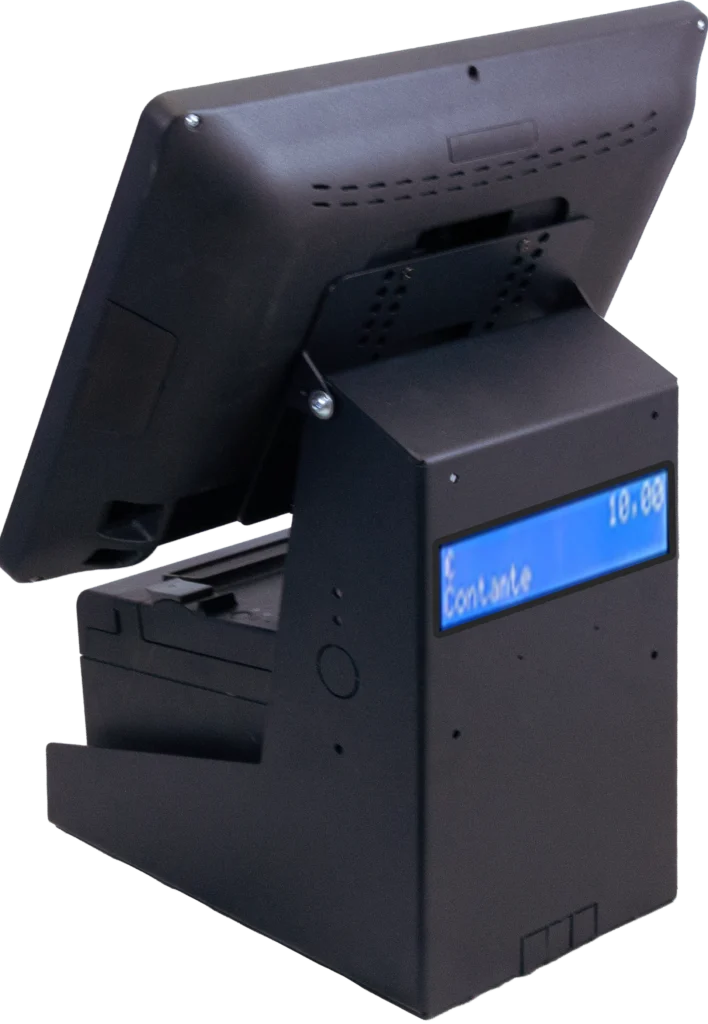
Our software on your CmPOS workstation
Starcode offers POS Desk ECO with a Windows configuration combined with the management software for your business. You can choose Starshop for the shop, Starfood for the restaurant or Starwash for the laundry. The images show our software: in the example on this page the cash point uses Starwash.
To connect the workstation to a fiscal printer, to a payment system or to existing peripherals, let's start from the models actually used. The standard FreeDOS version and the Android variants require a different evaluation than the Windows proposal with Starcode software.
Starcode configuration documentation
CmPOS POS Desk ECO Card with Starcode Configuration (PDF, Italian)
Request your POS Desk ECO station
Do you want to renovate the checkout counter or create a new station? Tell us the type of business, the available space, the desired software and the peripherals you want to connect. We offer you the hardware and software configuration suitable for daily work.
Call us at +39 011 19829980 or write to info@starcode.it. From the quote button you can indicate the quantity and attach a photo of the workstation or existing devices.