
Epson: Customer Display and POS Peripherals
Epson customer displays show prices, information and content aimed at the customer side of the checkout. DM-D30 offers compact text display; DM-D70 uses a color screen for texts, images and QR Codes managed by the POS software. They complete the workstation together with the printer and sales program.
Features and technologies
The DM-D30 uses a 20-column two-line text LCD, with USB connection and power. The DM-D70 offers a 7-inch color screen, which can be swiveled horizontally or vertically, for texts, images and QR Codes. The main difference is the type of content displayed.
- Content to show: Text, amounts, graphics, or other supported information.
- Visibility from the customer side, orientation and height of the support.
- Display compatibility with host device and POS program.
- Cables, power supply, supports and overall space on the bench.
Models and configurations to compare
Epson DM-D30
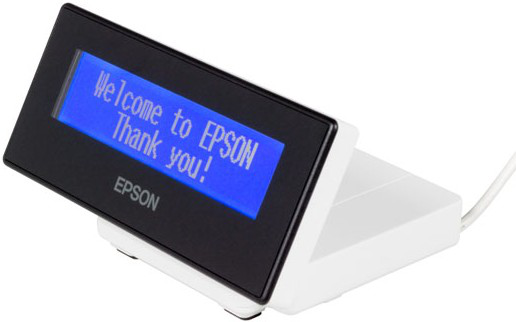
The Epson DM-D30 is a two-line, 20-column LCD customer display, with blue and white display. It connects and is powered via USB and can be paired with the TM-m30 or other compatible POS systems. Show prices and textual information during the checkout operation.
Epson DM-D70
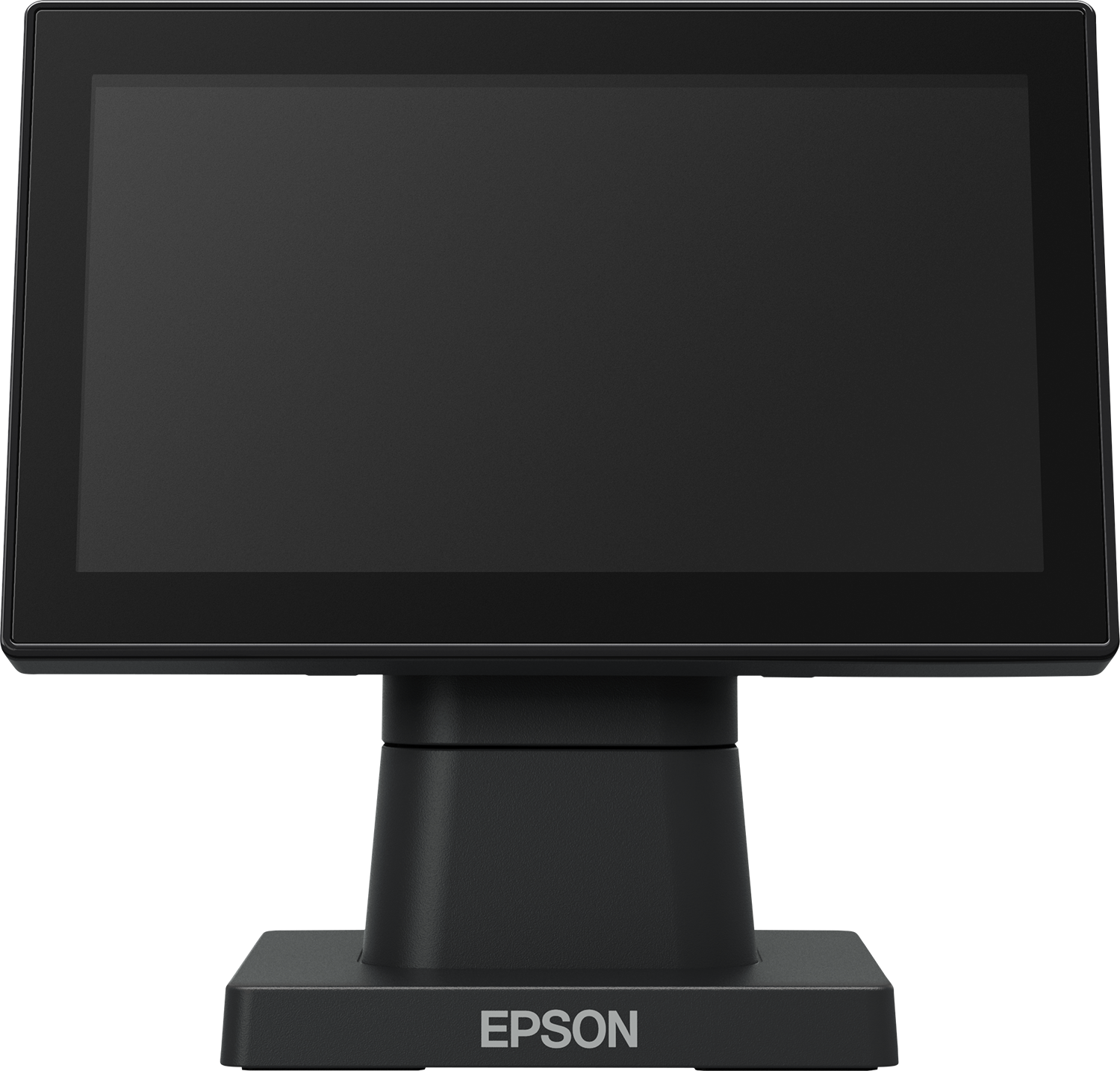
The Epson DM-D70 is a 7-inch color customer display for text, images and QR Code. It supports landscape or portrait orientation, USB bus power and VESA compatible mounts. It is intended for displaying information and promotional content on the customer side.
Applications
The displays show the customer the information of the checkout operation. The text format favors prices and short messages; the color screen adds graphic and promotional content managed by the application.
Documentation preview
Each available document is linked to the respective template. The preview shows the first PDF in the category.