
Epson: Impact, hybrid and document printers
Epson impact, hybrid and inkjet printers handle different documents than just a thermal receipt. Impact models print orders and slips; hybrid platforms combine receipt and document functions; inkjet models produce transactional documents. Each technology responds to a different type of support and way of use.
Features and technologies
TM-U220II uses impact printing for receipts and orders; TM-U295 prints on slips and forms inserted into the workstation. TM-H6000VI combines receipt and document functions. The TM-J7200 and TM-J7700 instead use inkjet technology for transactional documents.
- Document type: roll, slip, form or transactional document.
- Necessity of copies, print color and compatible material.
- Check reading or processing functions actually required.
- Interfaces, printing protocol, power supply and consumables.
Models and configurations to compare
Epson TM-U220II B/D
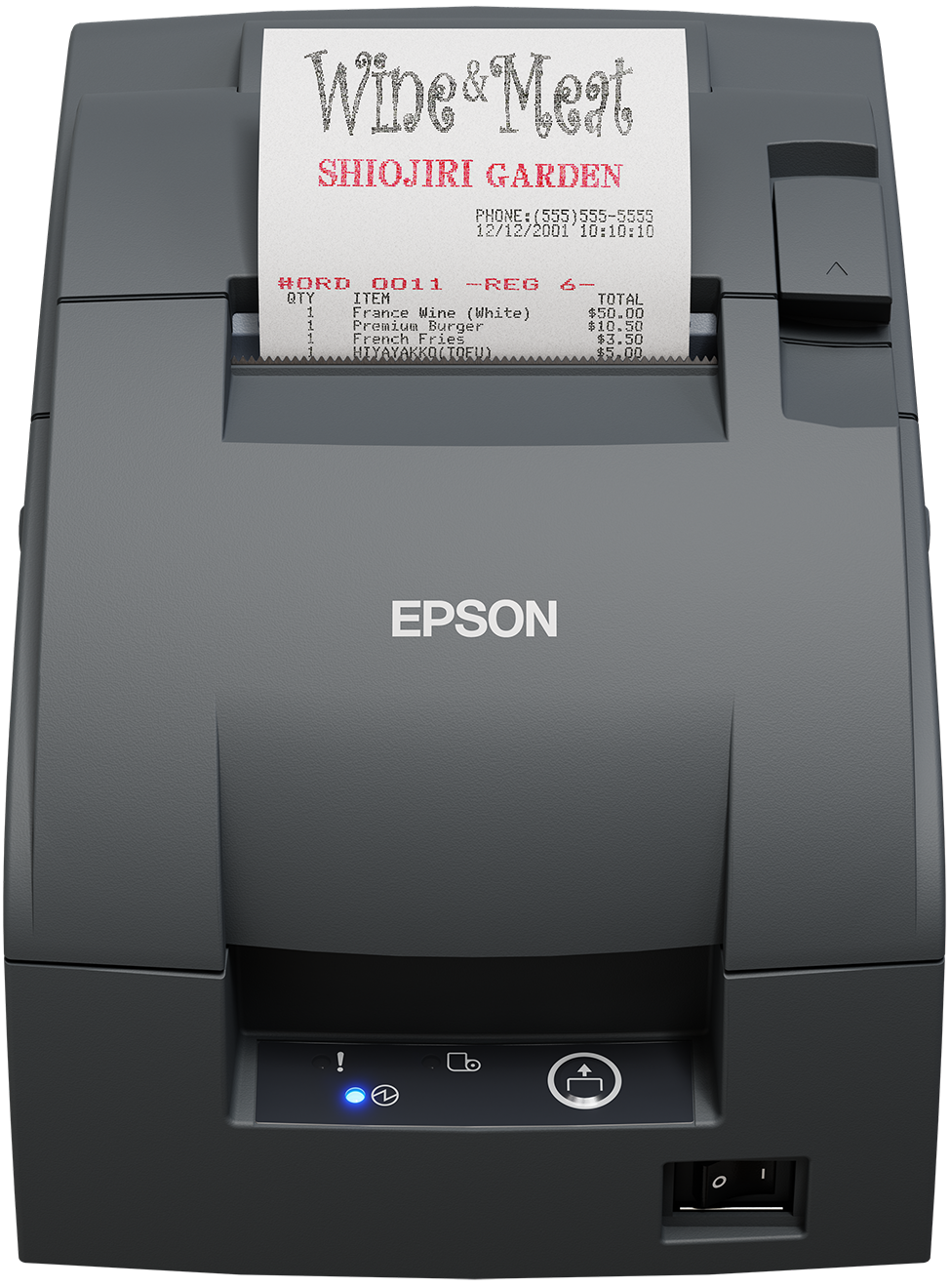
Epson TM-U220II is an impact printer for receipts and orders, available in versions B and D. Drop-in loading facilitates roll replacement; the expanded buffer allows you to receive more orders. The range offers different cutting and connecting methods.
Epson TM-U220A
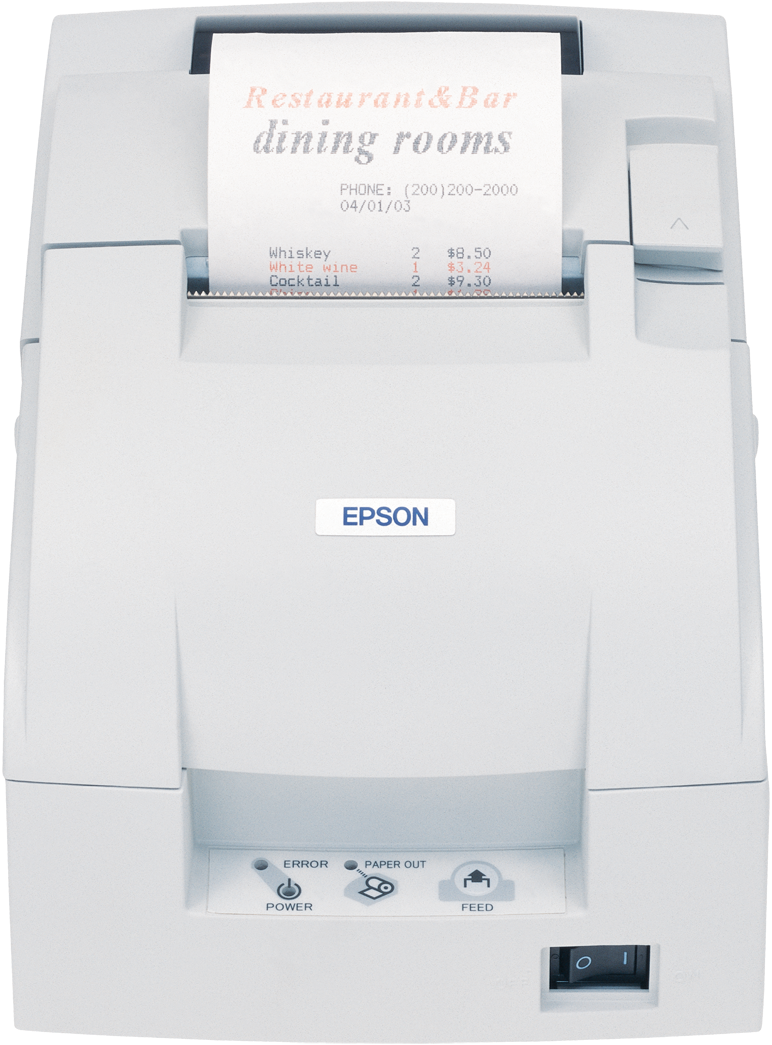
Epson TM-U220A belongs to the range of impact printers for receipts and orders. Drop-in loading allows you to replace the roll by opening the paper compartment. It is intended for retail, foodservice and applications using impact printing paper.
Epson TM-U295
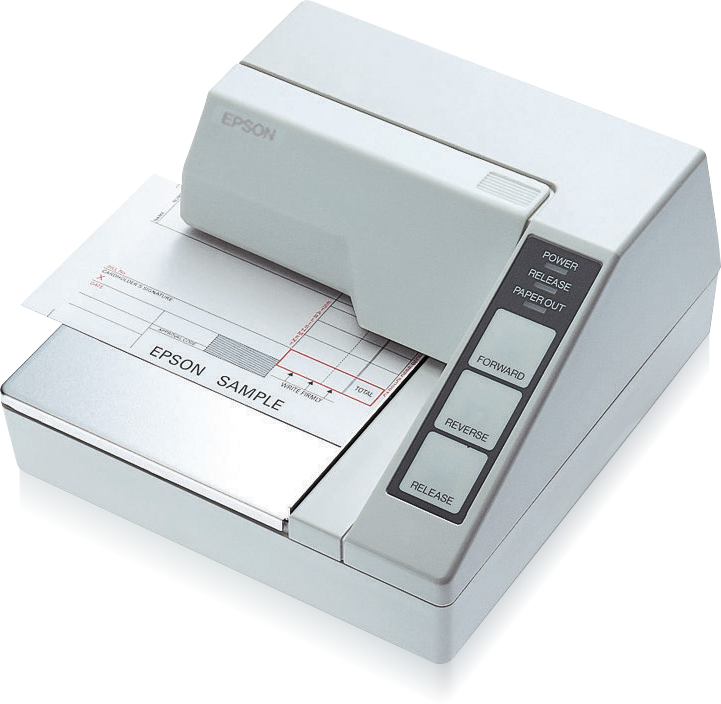
The Epson TM-U295 is an impact slip printer for pre-printed forms, invoices and checks. The document is inserted into the station, rather than unrolled from a roll. The ESC/POS commands allow you to manage the position, orientation and size of the text.
Epson TM-H6000VI
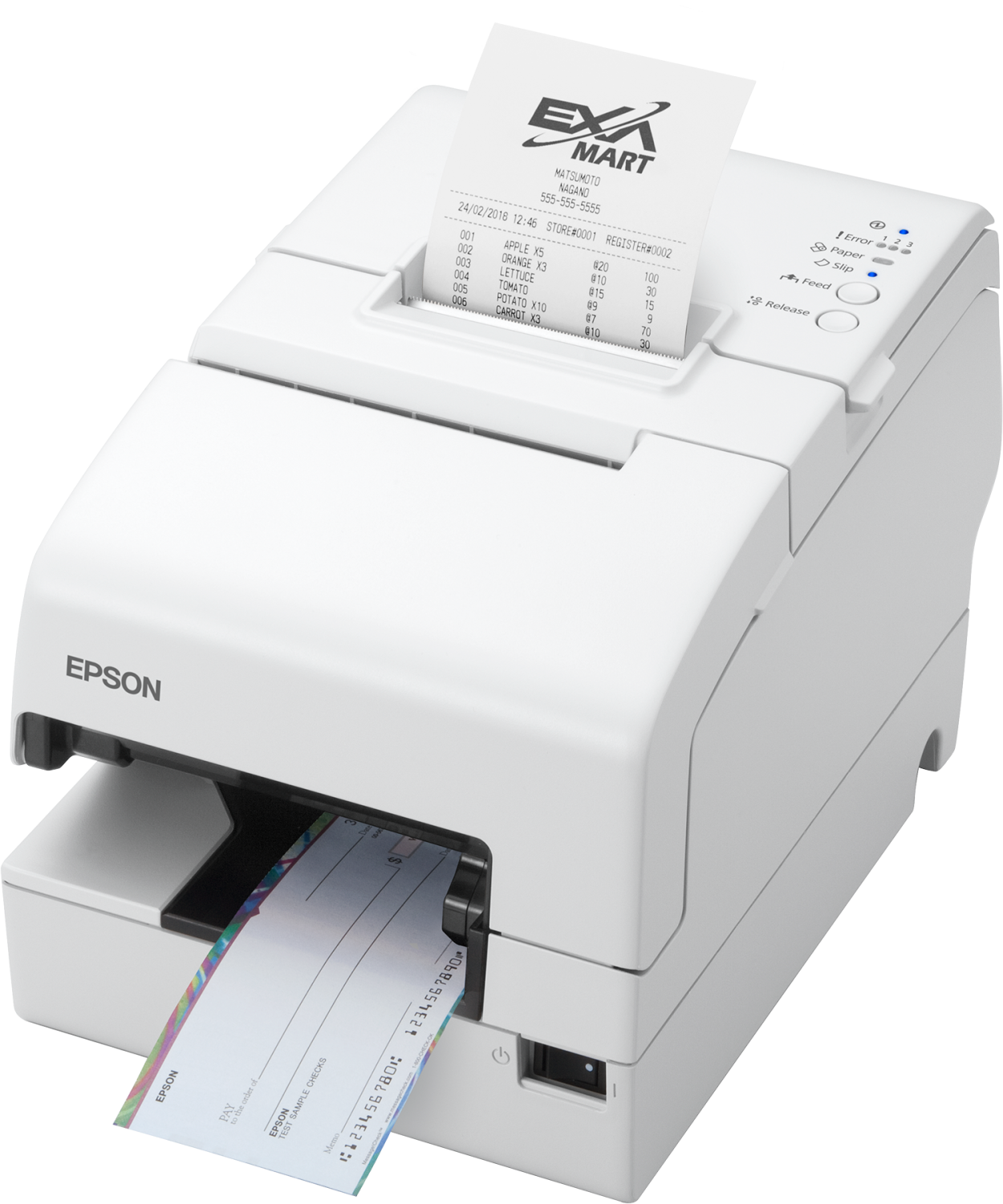
The Epson TM-H6000VI combines receipt printing, document functions and check processing in one unit. The receipt section reaches a maximum speed of 500 mm/s and has an automatic cutter. It is intended for outlets that use multiple document types.
Epson TM-J7200 and TM-J7700
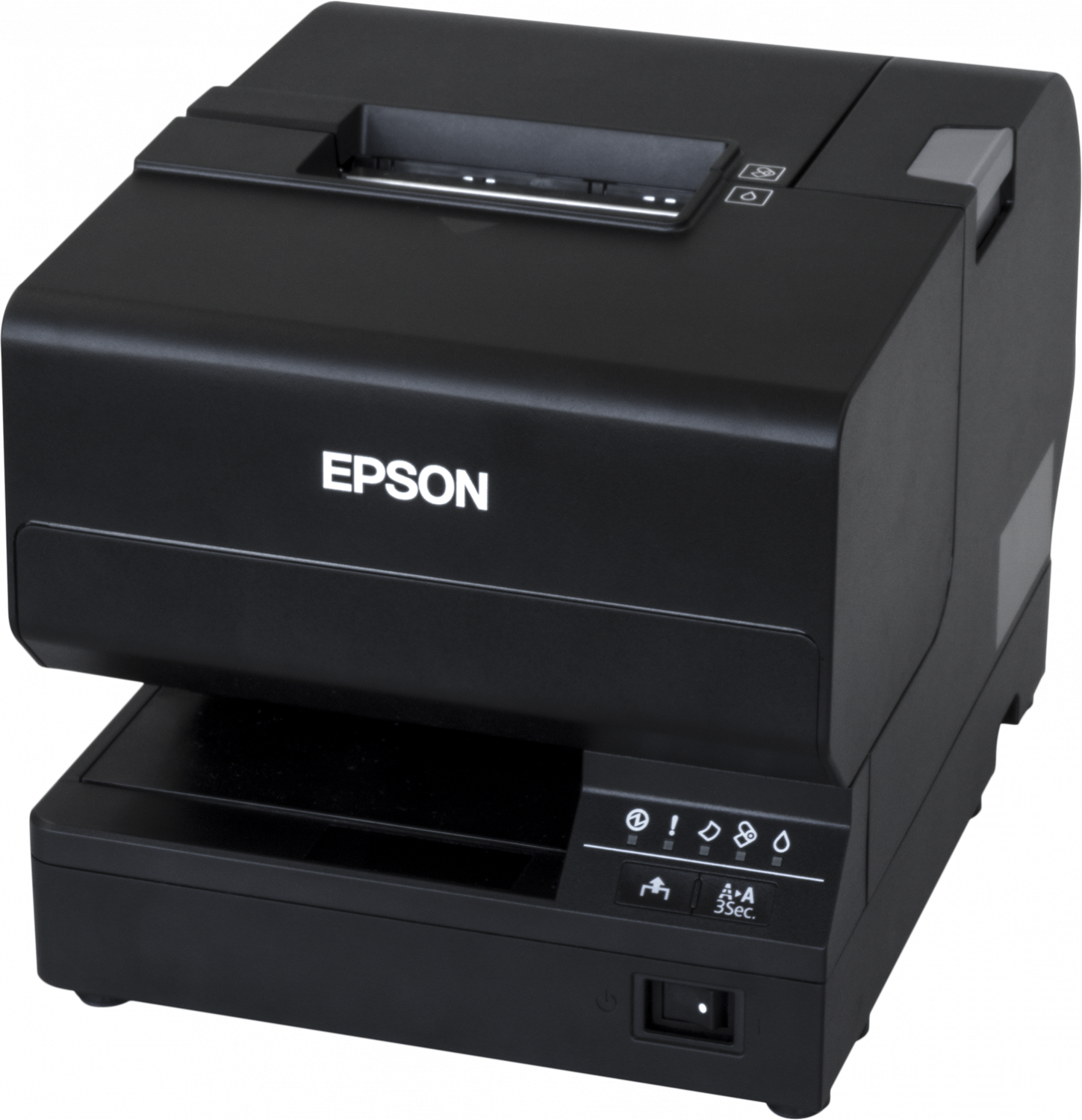
The Epson TM-J7200 and TM-J7700 use inkjet technology for transactional documents. The TM-J7200 produces receipts, invoices, forms and coupons at 600 dpi resolution. The range offers different document functions in the two models, for sales and service stations.
Applications
These technologies cover kitchen orders, individually entered documents and transactional receipts. The type of support distinguishes roll printing from that on slip or pre-printed form.
Documentation preview
Each available document is linked to the respective template. The preview shows the first PDF in the category.