
Honeywell Thor VM3
Accessories for Honeywell Thor VM3 (3)
The Honeywell Thor VM3 is an Intel x86 architecture vehicle computer for Windows-based industrial and logistics applications. The 12.1 inch display allows you to consult large operating screens from the position on the truck.
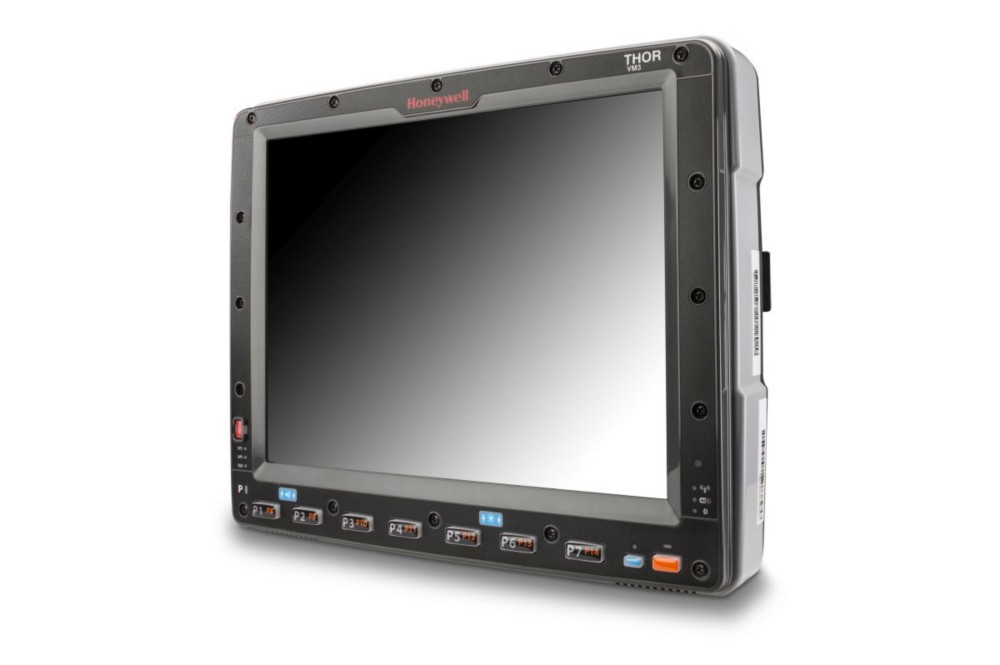
Main features
- 12.1 inch display.
- Intel x86 architecture with dual-core processor.
- Configurations with different versions of Windows.
- Ignition control for use on board the vehicle.
Models and configurations
VM3 and VM3A are distinct models, with different software platforms.
Applications and integration
It is suitable for infrastructures that require a Windows vehicle station, with verification of the compatibility of applications and connections to the vehicle.
Technical documentation
Accessories for Honeywell Thor VM3
Honeywell / Brady accessories for Thor VM3: bases, keyboards, fixings and connections for positioning on the vehicle. Choose the code and quantity or ask us to complete the equipment of the device.
Accessory documentation
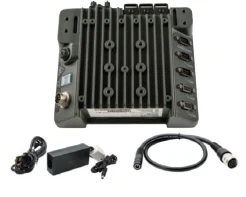
Charging base
Code: VM-AC-PWR-KIT01-US
Base for housing and charging the compatible device in the designated location. power supply included in the kit.
Compatibility: Honeywell Thor VM3.
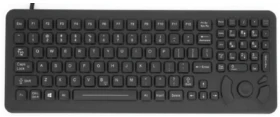
Keyboard
Code: 340-053-003-DB9P
Keyboard for entering data in the compatible device configuration.
Compatibility: Honeywell Thor VM3.
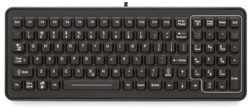
Keyboard
Code: 340-053-003-DB9
Keyboard for entering data in the compatible device configuration.
Compatibility: Honeywell Thor VM3.
Do you need accessories for Thor VM3?
Tell us the accessory code and quantity, or describe the station you want to create. We help you choose the right equipment; you can attach a photo of the device or accessory to be replaced in the request form.
To find the right accessory, tell us the complete model, device code and quantity. A photo of the device, base or accessory to be replaced helps us verify the pairing.