
Honeywell Thor VM3A
Accessories for Honeywell Thor VM3A (3)
Honeywell Thor VM3A is an Android vehicle computer for warehouses, distribution centers and manufacturing. The Mobility Edge platform allows you to integrate operational applications on a workstation on board the vehicle with a large display and dedicated accessories.
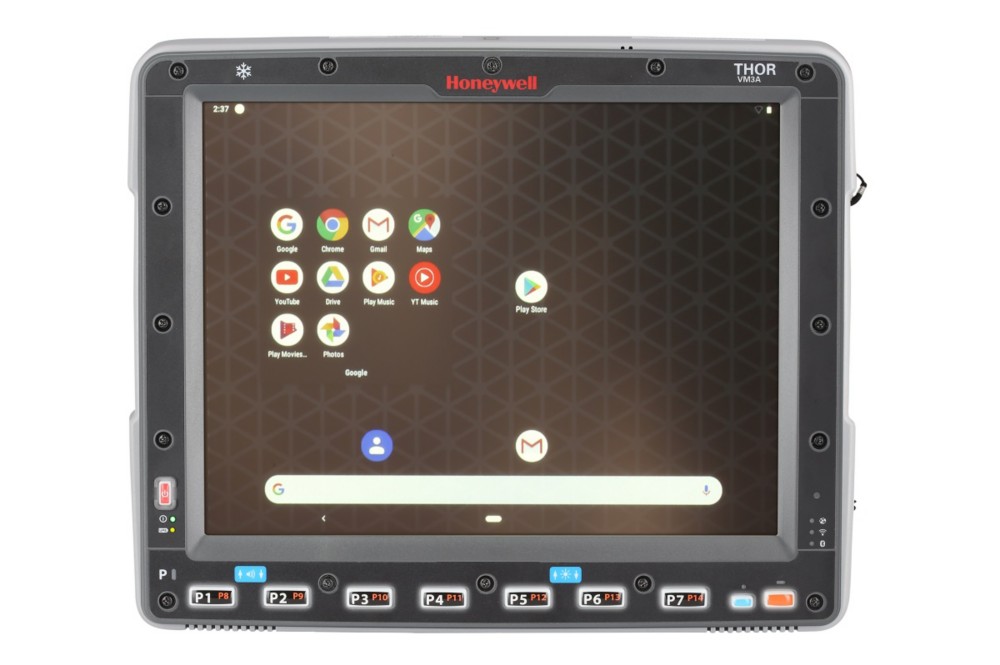
Main features
- Android Mobility Edge platform.
- Mobile format for consulting applications.
- Mounting and power solutions for trolleys.
- Design oriented towards maintenance and operational continuity.
Models and configurations
The configuration must be compared with software, vehicle, power and peripherals.
Applications and integration
It is suitable for handling transactions and WMS flows where the operator uses the screen from the driver's seat or loading areas.
Technical documentation
Accessories for Honeywell Thor VM3A
Honeywell / Brady accessories for Thor VM3A: bases, keyboards, fixings and connections for positioning on the vehicle. Choose the code and quantity or ask us to complete the equipment of the device.
Accessory documentation
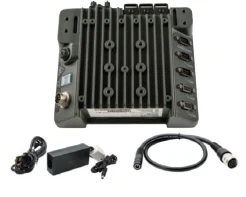
Charging base
Code: VM-AC-PWR-KIT01-US
Base for housing and charging the compatible device in the designated location. power supply included in the kit.
Compatibility: Honeywell Thor VM3A.
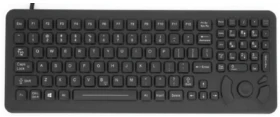
Keyboard
Code: 340-053-003-DB9P
Keyboard for entering data in the compatible device configuration.
Compatibility: Honeywell Thor VM3A.
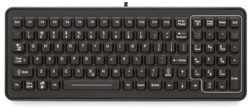
Keyboard
Code: 340-053-003-DB9
Keyboard for entering data in the compatible device configuration.
Compatibility: Honeywell Thor VM3A.
Do you need accessories for Thor VM3A?
Tell us the accessory code and quantity, or describe the station you want to create. We help you choose the right equipment; you can attach a photo of the device or accessory to be replaced in the request form.
To find the right accessory, tell us the complete model, device code and quantity. A photo of the device, base or accessory to be replaced helps us verify the pairing.