
Honeywell 8690i
Accessories for Honeywell 8690i (11)
Honeywell 8690i is a wearable mini computer that integrates barcode reading and UHF RFID. The color display and communication options allow you to develop operational flows in a compact format, directly in the operator's hand.
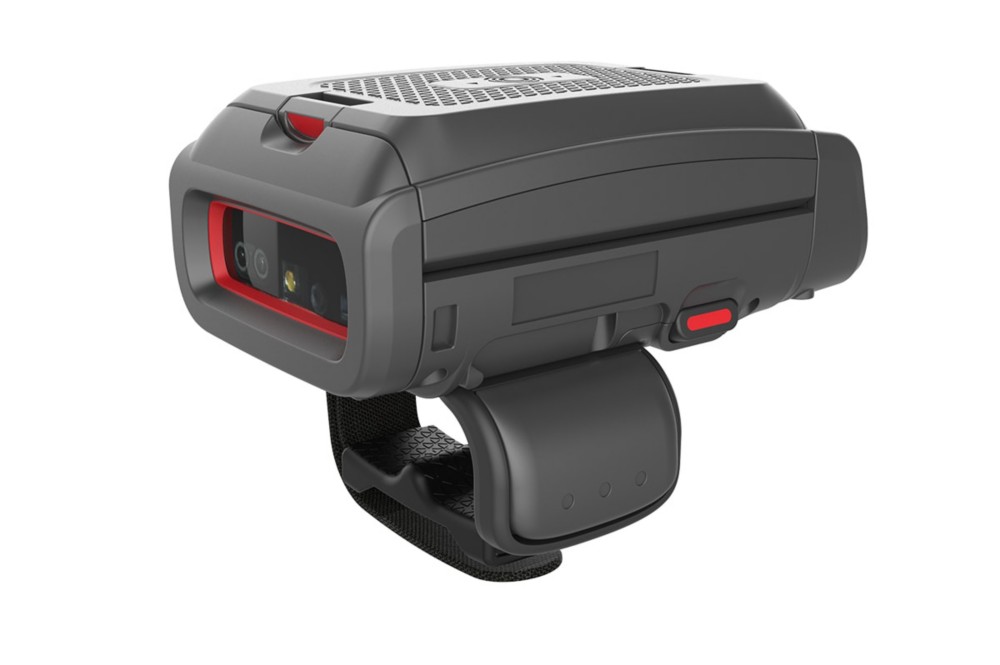
Main features
- EPC Global Class 1 Gen 2 RFID reading.
- Barcode acquisition in the wearable device.
- Color display with information configurable from the application.
- Wi-Fi and SDK tools for software integration.
Models and configurations
The accessories can adapt the wear to a ring or glove.
Applications and integration
It can support picking, item verification and inventory management, when barcodes and RFID tags need to be scanned while keeping hands available for handling.
Technical documentation
8690i datasheet (PDF, Italian)
Accessories for Honeywell 8690i
Honeywell / Brady accessories for 8690i: accessories for charging, connections and hands-free work. Choose the code and quantity or ask us to complete the equipment of the device.
Accessory documentation
11 accessories
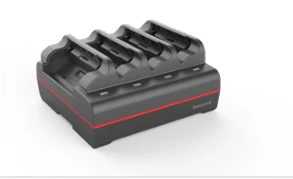
4 place battery charger
Code: MB4-BAT-SCN07
Base for recharging the spare batteries of compatible devices. Network cable to be ordered separately.
Compatibility: Honeywell 8690i.
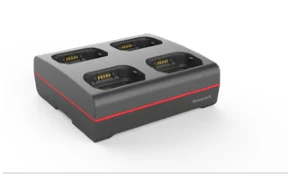
4-seater charging base
Code: MB4A-SCN07
Base for housing and charging the compatible device in the designated location. Network cable to be ordered separately.
Compatibility: Honeywell 8690i.
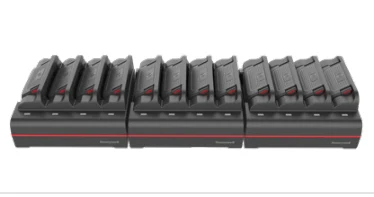
12 place battery charger
Code: MB12-BAT-SCN07
Base for recharging the spare batteries of compatible devices. Network cable to be ordered separately.
Compatibility: Honeywell 8690i.
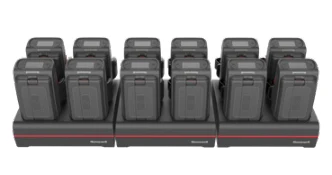
12-seater charging base
Code: MB12A-SCN07
Base for housing and charging the compatible device in the designated location. Network cable to be ordered separately.
Compatibility: Honeywell 8690i.
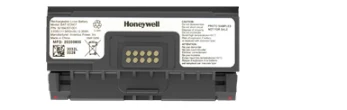
3400 mAh spare part battery
Code: BAT-SCN07
Battery to replace the one in use or prepare a spare for the job.
Compatibility: Honeywell 8690i.
Power cord or adapter
Code: 19-19729
Cable for the electrical connection of the device to the base or to the power supply provided by the guide.
Compatibility: Honeywell 8690i.
Power cord or adapter
Code: 50117501-001
Cable for the electrical connection of the device to the base or to the power supply provided by the guide.
Compatibility: Honeywell 8690i.
Power cord or adapter
Code: 50121815-001
Cable for the electrical connection of the device to the base or to the power supply provided by the guide.
Compatibility: Honeywell 8690i.
Power cord or adapter
Code: 50131491-001
Cable for the electrical connection of the device to the base or to the power supply provided by the guide.
Compatibility: Honeywell 8690i.
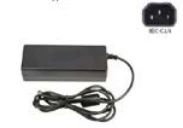
Power supply
Code: 50121666-001
Power supply for the device or the charging base indicated in the accessories guide. 12V/3A output.
Compatibility: Honeywell 8690i.
Power supply
Code: 50143701-001
Power supply for the device or the charging base indicated in the accessories guide. 12V/8.5A output.
Compatibility: Honeywell 8690i.
Do you need accessories for the 8690i?
Tell us the accessory code and quantity, or describe the station you want to create. We help you choose the right equipment; you can attach a photo of the device or accessory to be replaced in the request form.
To find the right accessory, tell us the complete model, device code and quantity. A photo of the device, base or accessory to be replaced helps us verify the pairing.