
Honeywell ScanPal EDA71
Accessories for Honeywell ScanPal EDA71 (28)
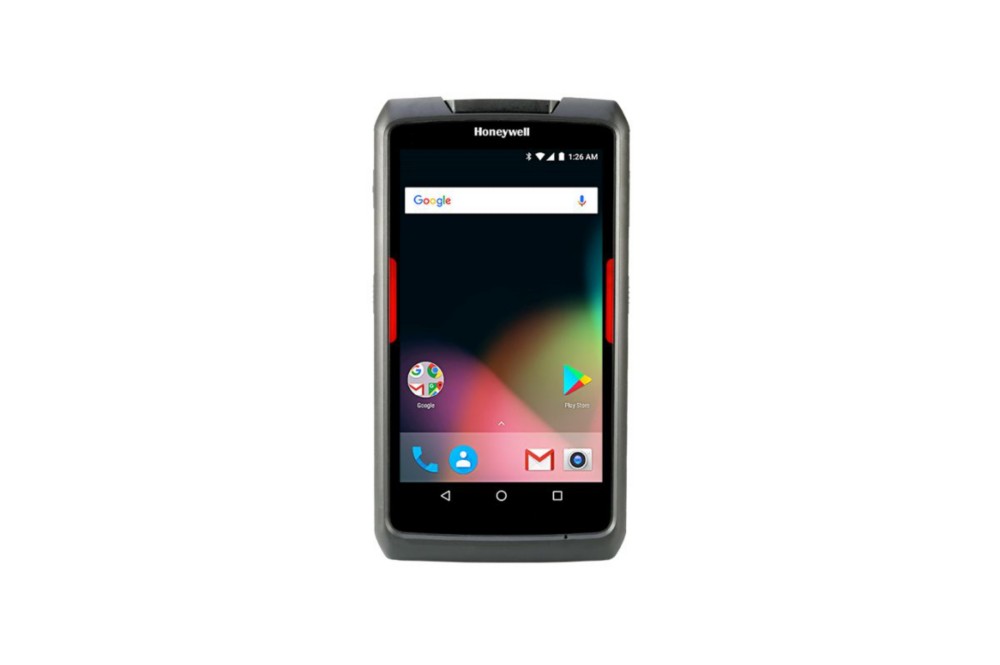
Honeywell ScanPal EDA71 is a 7-inch business tablet for retail, delivery and field services. It offers a screen larger than a handheld and barcode acquisition options, maintaining a transportable format with dedicated accessories.
Main features
- 7-inch display to consult applications.
- Barcode reading and memory options.
- WLAN, Bluetooth and NFC connections in the documented configuration.
- Accessories with handles and carrying solutions.
Applications and integration
It can be used for direct delivery to stores, consultation of catalogues, external services and recording of operations in company management applications.
Technical documentation
Datasheet EDA71 (PDF, Italian)
Accessories for Honeywell ScanPal EDA71
Honeywell / Brady accessories for ScanPal EDA71: accessories for charging, transporting and installing the tablet. Choose the code and quantity or ask us to complete the equipment of the device.
Accessory documentation
28 accessories
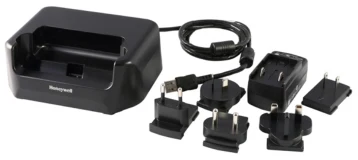
Charging base
Code: EDA70-HB-R
Base for housing and charging the compatible device in the designated location.
Compatibility: Honeywell ScanPal EDA71.
Charging base
Code: EDA70-HB-B
Base for housing and charging the compatible device in the designated location.
Compatibility: Honeywell ScanPal EDA71.
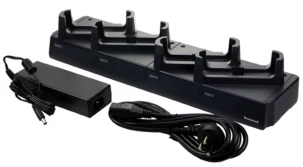
Charging base — Europe kit
Code: EDA70-CB-2
Base for housing and charging the compatible device in the designated location. power supply included in the kit. Version with network cable for Europe.
Compatibility: Honeywell ScanPal EDA71.
Charging base — UK kit
Code: EDA70-CB-3
Base for housing and charging the compatible device in the designated location. power supply included in the kit. Mains cable version for UK.
Compatibility: Honeywell ScanPal EDA71.
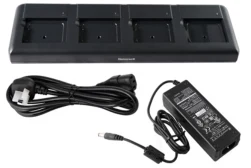
4-place battery charger — Europe kit
Code: EDA50-QBC-E
Base for recharging the spare batteries of compatible devices. power supply included in the kit. Version with network cable for Europe. Includes charging of four spare batteries.
Compatibility: Honeywell ScanPal EDA71.
4 place battery charger
Code: EDA50-QBC-A
Base for recharging the spare batteries of compatible devices. power supply included in the kit. Includes charging of four spare batteries.
Compatibility: Honeywell ScanPal EDA71.
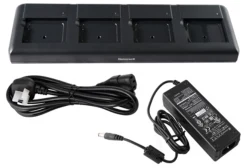
4 place battery charger
Code: EDA50-QBC-C
Base for recharging the spare batteries of compatible devices. power supply included in the kit. Includes charging of four spare batteries.
Compatibility: Honeywell ScanPal EDA71.
4 place battery charger
Code: EDA50-QBC-L
Base for recharging the spare batteries of compatible devices. power supply included in the kit. Includes charging of four spare batteries.
Compatibility: Honeywell ScanPal EDA71.
Mounting support
Code: 805-611-001
Component to fix or orient the device on the compatible workstation.
Compatibility: Honeywell ScanPal EDA71.
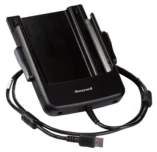
USB cable
Code: EDA70-MBU-R
USB connection for configuring the device or workstation indicated.
Compatibility: Honeywell ScanPal EDA71.
Power cord or adapter
Code: EDA70-MBUC-R
Cable for the electrical connection of the device to the base or to the power supply provided by the guide.
Compatibility: Honeywell ScanPal EDA71.
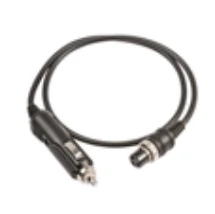
Power cord or adapter
Code: 226-109-003
Cable for the electrical connection of the device to the base or to the power supply provided by the guide.
Compatibility: Honeywell ScanPal EDA71.
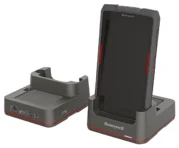
1 place charging base
Code: EDA71-EB-0
Base for housing and charging the compatible device in the designated location.
Compatibility: Honeywell ScanPal EDA71.
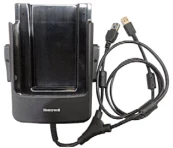
Vehicle base
Code: EDA71-VD-USBHC-0
Base to place the device on the compatible vehicle station.
Compatibility: Honeywell ScanPal EDA71.
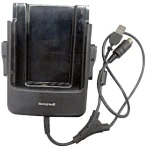
Vehicle base
Code: EDA71-VD-USBHDW-0
Base to place the device on the compatible vehicle station.
Compatibility: Honeywell ScanPal EDA71.
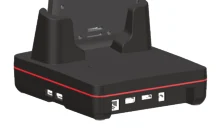
Base for display and connections
Code: EDA71-DB-0
Desktop base for charging the device and connecting it to an external screen and workstation peripherals.
Compatibility: Honeywell ScanPal EDA71.
Base for display and connections — US kit
Code: EDA71-DB-1
Desktop base for charging the device and connecting it to an external screen and workstation peripherals.
Compatibility: Honeywell ScanPal EDA71.
Base for display and connections — Europe kit
Code: EDA71-DB-2
Desktop base for charging the device and connecting it to an external screen and workstation peripherals.
Compatibility: Honeywell ScanPal EDA71.
Display and connection base — UK kit
Code: EDA71-DB-3
Desktop base for charging the device and connecting it to an external screen and workstation peripherals.
Compatibility: Honeywell ScanPal EDA71.
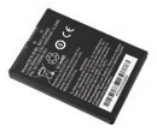
4000 mAh spare part battery
Code: 50129589-001
Battery to replace the one in use or prepare a spare for the job.
Compatibility: Honeywell ScanPal EDA71.
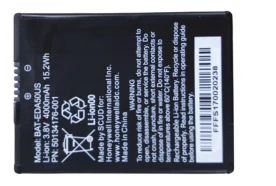
4000 mAh spare part battery
Code: 50134176-001
Battery to replace the one in use or prepare a spare for the job.
Compatibility: Honeywell ScanPal EDA71.
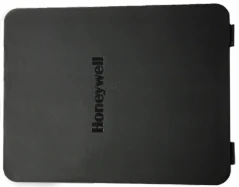
Battery door
Code: 50141510-001
Battery compartment closing door in the indicated device version.
Compatibility: Honeywell ScanPal EDA71.
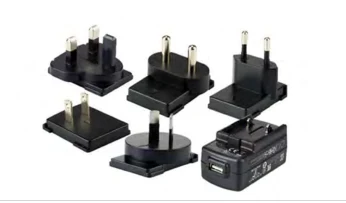
Power adapter
Code: 50136024-001
Power accessory for your compatible device or base. 5V/2A output.
Compatibility: Honeywell ScanPal EDA71.
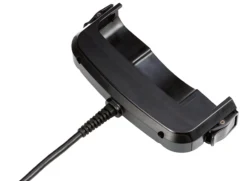
USB cable
Code: EDA70-UC-R
Connection for the devices and interfaces foreseen by the configuration.
Compatibility: Honeywell ScanPal EDA71.
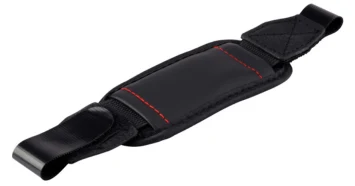
Hand strap
Code: 50137174-001
Accessory to support or wear the device while working.
Compatibility: Honeywell ScanPal EDA71.
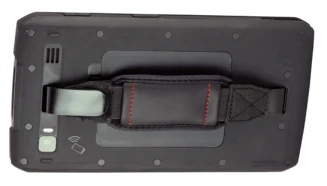
Hand strap
Code: EDA70-HS-ROT-3PK
Accessory to support or wear the device while working.
Compatibility: Honeywell ScanPal EDA71.
Shoulder strap
Code: 50137020-001
Accessory to support or wear the device while working.
Compatibility: Honeywell ScanPal EDA71.
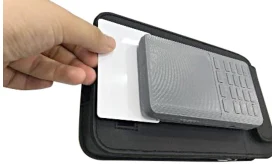
Custody
Code: EDA71-CASE-3
Case for carrying the device and storing it between scans.
Compatibility: Honeywell ScanPal EDA71.
Do you need accessories for the ScanPal EDA71?
Tell us the accessory code and quantity, or describe the station you want to create. We help you choose the right equipment; you can attach a photo of the device or accessory to be replaced in the request form.
To find the right accessory, tell us the complete model, device code and quantity. A photo of the device, base or accessory to be replaced helps us verify the pairing.