
Newland MT67 Sei II
Accessories for Newland MT67 Sei II (19)
Newland MT67 Sei II combines physical keyboard, 4-inch touch display and Android 15 for warehouse and shop work. The operator can alternate barcode reading, quantity entry and consultation of instructions on the same device. The keyboard format is suitable for flows that require frequent typing.
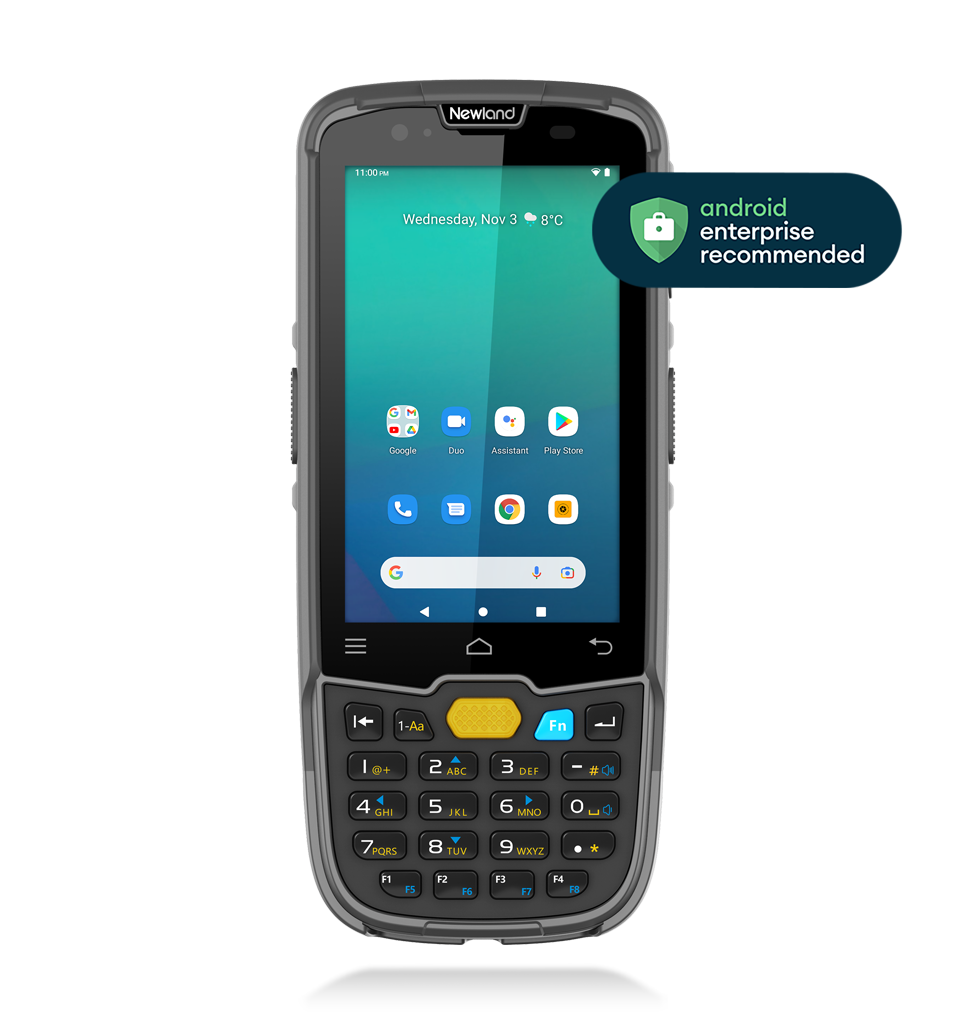
Image of the MT67 Sei II version: configuration and accessories may vary.
Characteristics and use
- Acquisition of 1D and 2D codes
- Operating system: Android 15, Android Enterprise Recommended (AER)
- Display: 4”WVGA (800×480) capacitive touch screen with hardened glass (9H)
- RAM memory: 4GB
- Flash memory: 64GB
- Protection: IP67
Technical documentation
MT67 Sei II datasheet (PDF, EN)
Accessories for Newland MT67 Sei II
Choose accessories for Newland MT67 Sei II: charging cradle with battery slot, charging and communication cradle for MT67 Sei II, four-slot battery charger for MT67, replacement battery for MT67. View photos, part numbers and datasheets, and request a quote with the quantity you need.
19 accessories
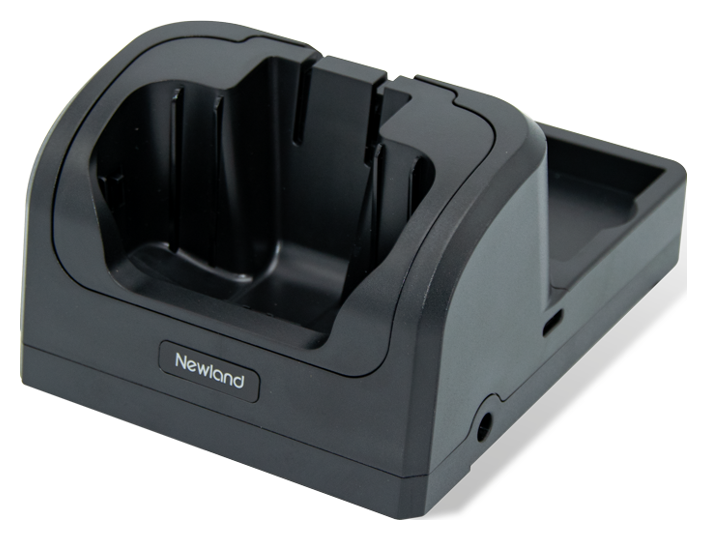
Charging base with battery slot
Code: NLS-CD6750-01
Base for MT67 terminals with housing for charging a battery. Allows you to connect up to four bases; the power supply is not included.
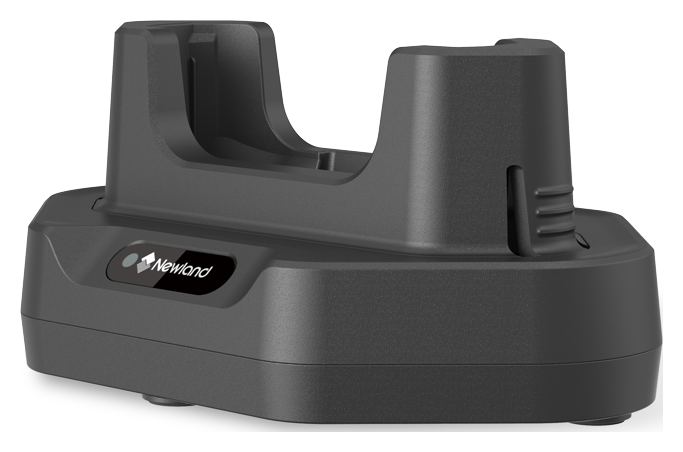
Charging and communication base for MT67 Sei II
Code: NLS-MCD6757-1CC
Base for MT6757 with DC-USB cable and two adapters to house the terminal with or without protective shell or handle. ADP710 power supply and CBL-TC-N7 USB cable are not included.
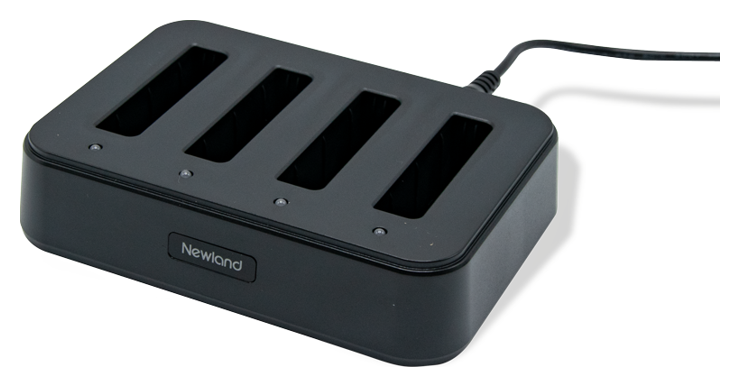
Four-place battery charger for MT67
Code: NLS-CD6750-4B
Charger for four MT67 batteries, complete with AD60-D-M power supply with EU, UK, US and IN adapters.
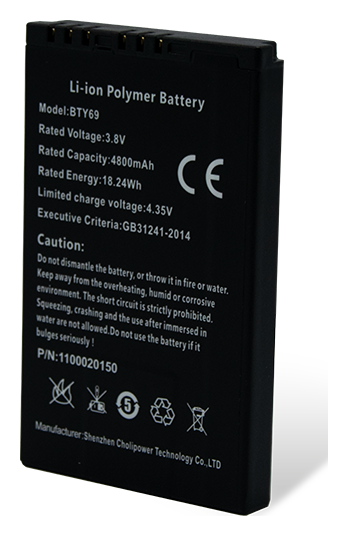
Spare part battery for MT67
Code: BTY-MT67
3.8 V and 4,800 mAh battery for the MT67 series terminals, available as a spare part or spare battery.
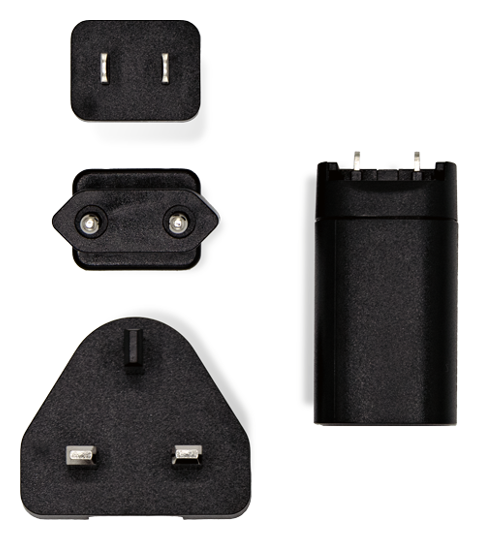
Fast charging USB power supply
Code: ADP710
Power supply with USB port and adapters for EU, UK and US sockets, can be used for compatible devices and bases. The CBL-TC-N7 USB cable is not included.
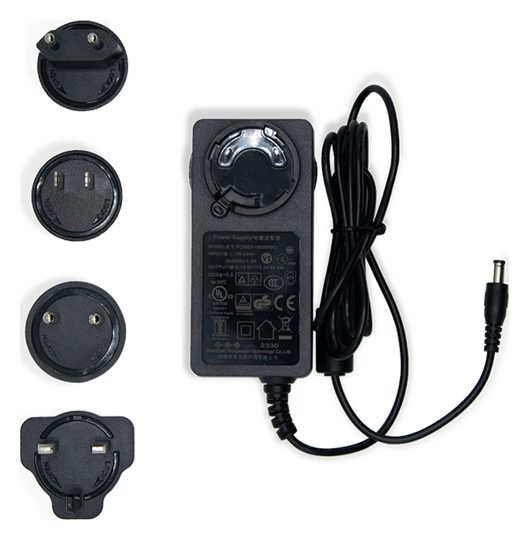
19 V multi-socket power supply
Code: AD60-D-M
19 V and 3.2 A power supply with EU, UK, US and IN adapters, provided for compatible bases and multiple chargers. The quantity of connectable bases depends on the series used.
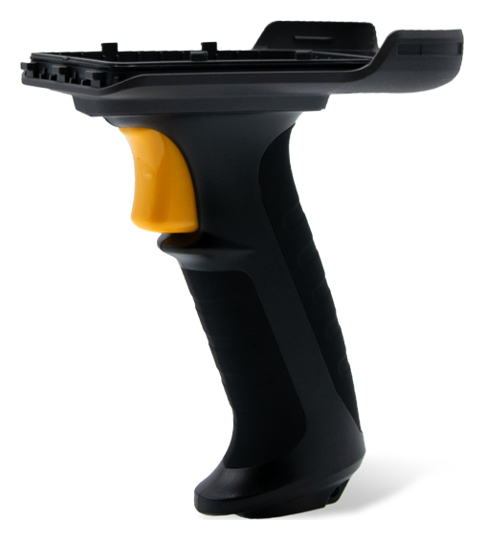
Pistol grip for MT67
Code: NLS-PG6750-01
Grip for MT67 terminals, to use a pistol grip during barcode reading operations.
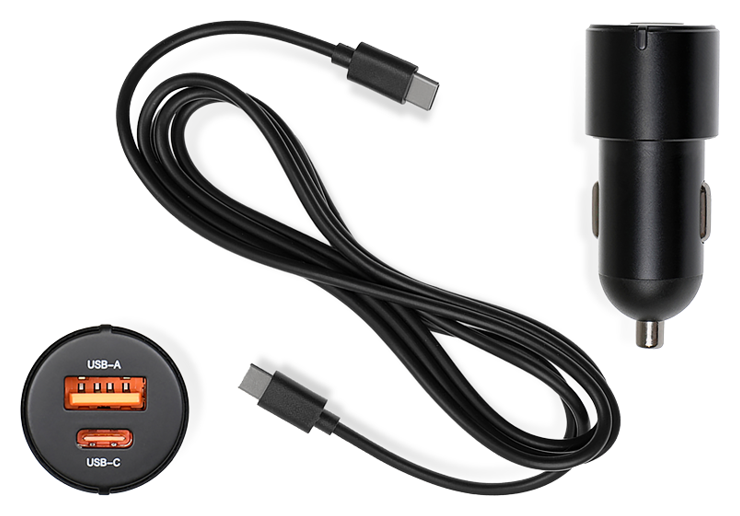
Vehicle USB charger
Code: NLS-CPA-UNIV
12–24V cigarette lighter socket adapter with USB-A and USB-C ports. Includes a 1.5m USB-C to USB-C cable for charging your compatible device.
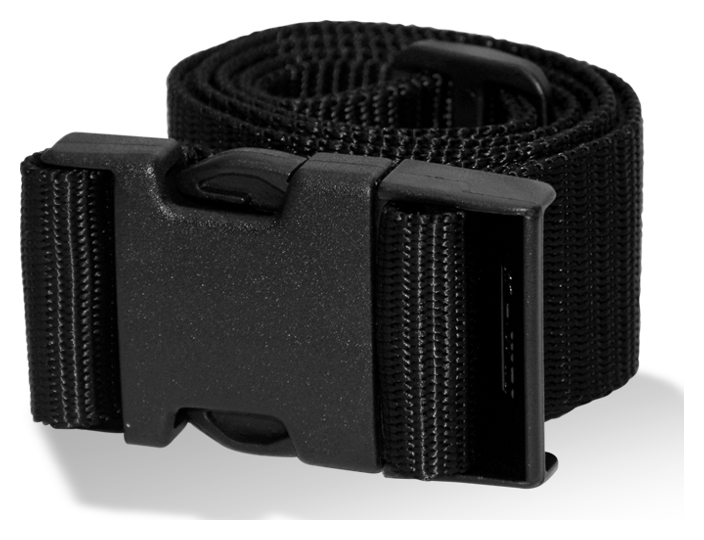
Holster belt
Code: BT105
Belt 40 mm wide and 150 cm long to carry the terminal holster during operational activities.
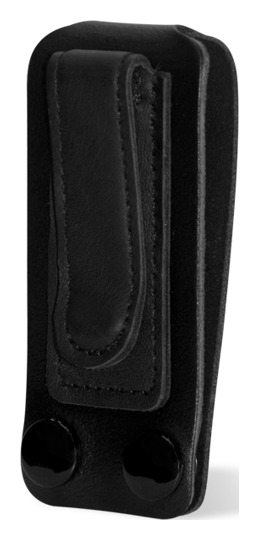
Metal clip for holster
Code: MC105
Metal clip for the HS105 and HS115 holsters, to attach the terminal support.
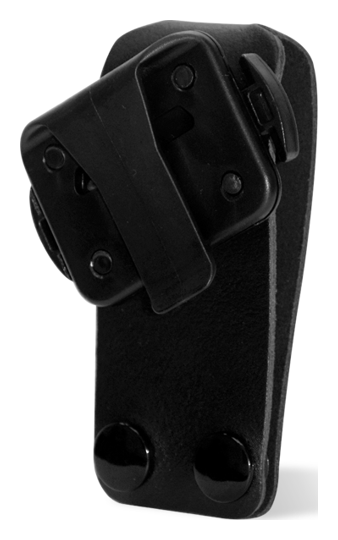
Adjustable clip for holster
Code: RC105
Rotating clip for HS105 and HS115 holsters, to adapt the orientation of the support.
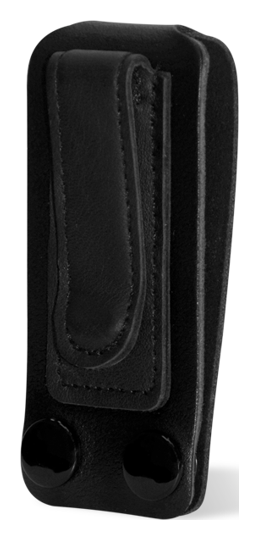
Fixing band for holster
Code: MS105
Band for fixing the terminal holster on the workstation, also intended for use on forklifts.
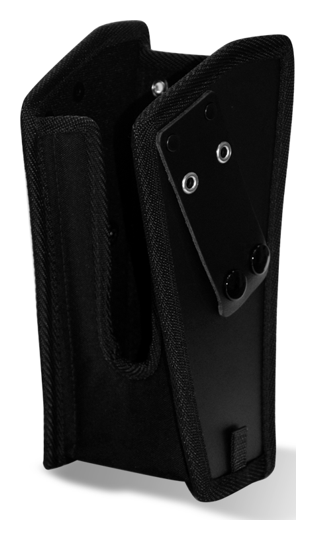
Terminal holster with handle
Code: HS106
Holster for MT67, MT90, MT93 and N7 equipped with pistol grip, to store the terminal between one reading and another.
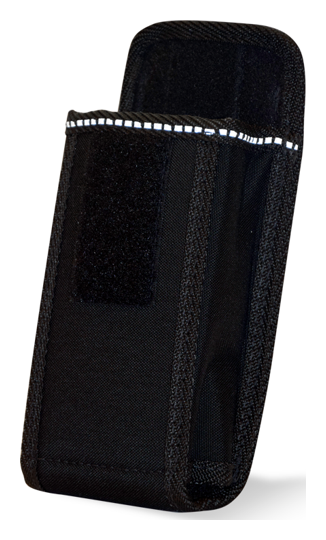
Holster for mobile terminals
Code: HS105
Holster for MT37, MT90 without protective shell, MT93 and MT95 with or without TPU protection, to keep the terminal close at hand.
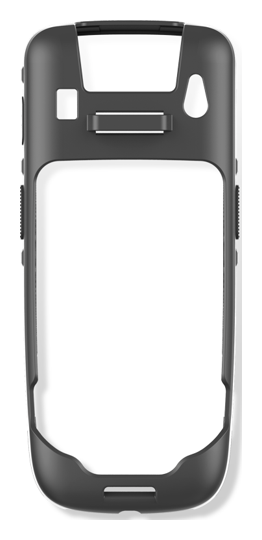
Protective shell for MT67
Code: NLS-RB67-01
Protective case for the MT67 series, complete with hook-and-loop wrist strap.
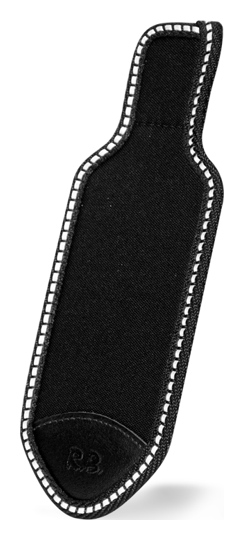
Protective flap for holster
Code: PT105
Protective flap to complete the HS105 and HS115 holsters and cover the stowed terminal.

Protective film for MT67
Code: SP67 HYBRID
HYBRID screen protector with 9H hardness for MT67 series terminals.
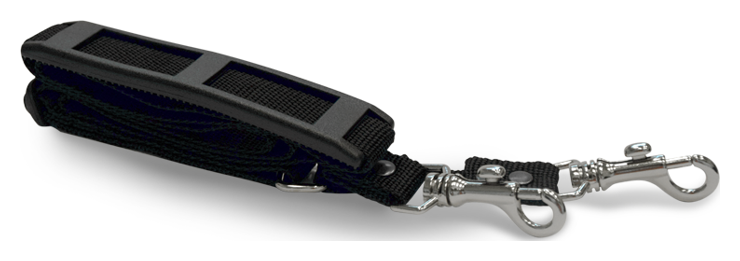
Shoulder strap for holster
Code: NS105
135 cm shoulder strap for the HS105 and HS115 holsters, to carry the terminal on the shoulder.
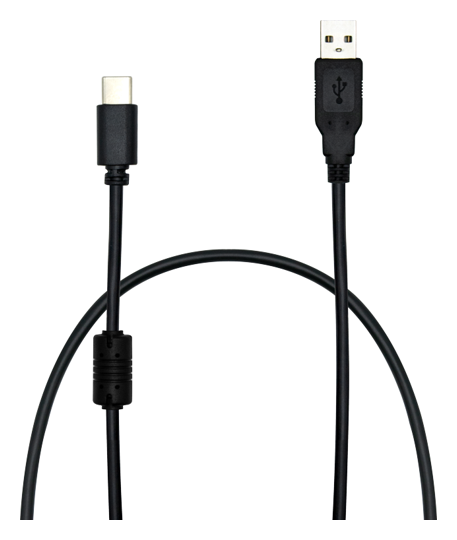
1 meter USB-USB-C cable
Code: CBL-TC-N7
1m cable to connect your compatible device or base to a USB port. To be combined with the power supply when not included in the scope of delivery.
Do you need accessories for MT67 Sei II?
Tell us the accessory code and quantity, or describe the station you want to create. We help you choose the right equipment; you can attach a photo of the device or accessory to be replaced in the request form.