
Newland WD1 II Watch Scanner
Accessories for Newland WD1 II Watch Scanner (7)
Newland WD1 II Watch Scanner is a wrist-based Android 13 device with a 2.8-inch display. It can be paired with compatible wearable readers, such as WD2, to separate instruction consultation from the location of the reading point.
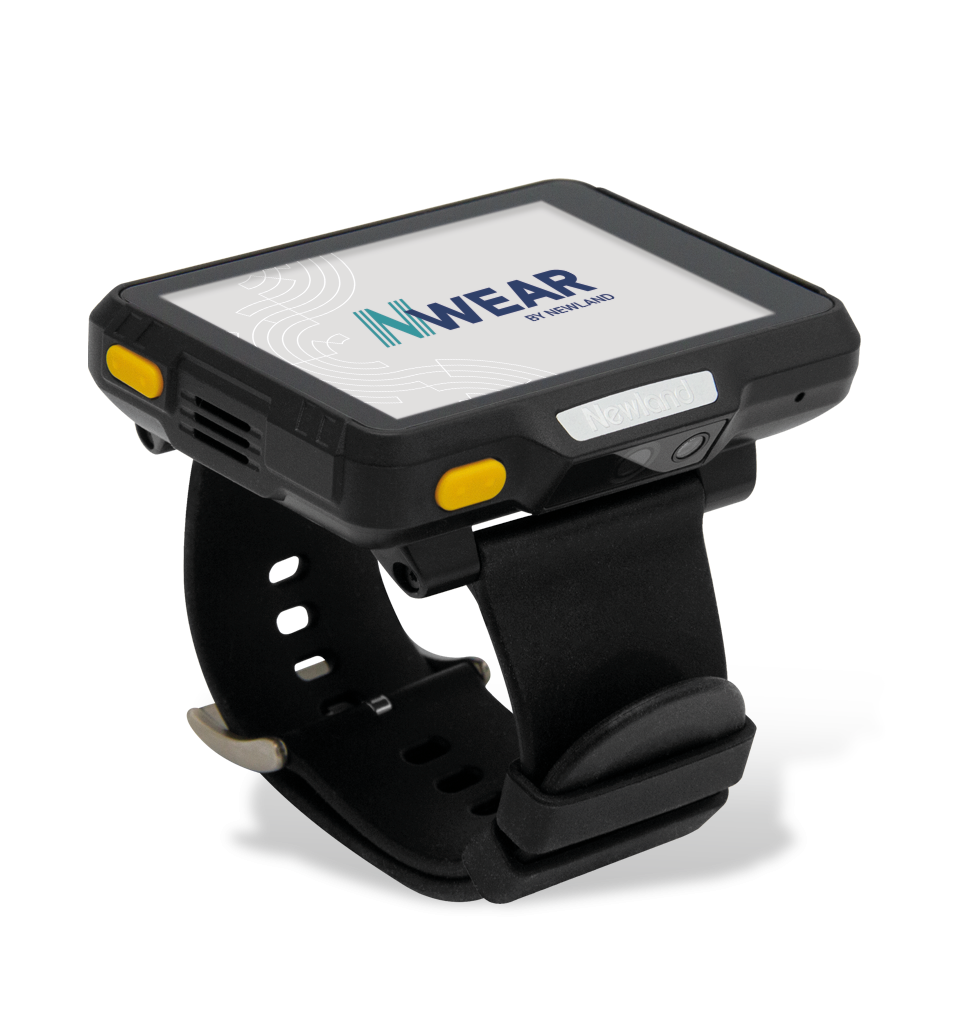
Image of WD1 II Watch Scanner version: Configuration and accessories may vary.
Characteristics and use
- Operating System: Android 13, GMS
- Display: 2.8” (640 × 480)
- RAM memory: 3GB
- Flash memory: 32GB
- Interfaces: USB-C, 2 pogo pins
- Protection: IP67
Technical documentation
WD1 II Watch Scanner datasheet (PDF, EN)
Accessories for Newland WD1 II Watch Scanner
Choose accessories for Newland WD1 II Watch Scanner: charging cradle for WD1, USB fast-charging power supply, 19 V multi-plug power supply, hook-and-loop strap for WD1. View photos, part numbers and datasheets, and request a quote with the quantity you need.
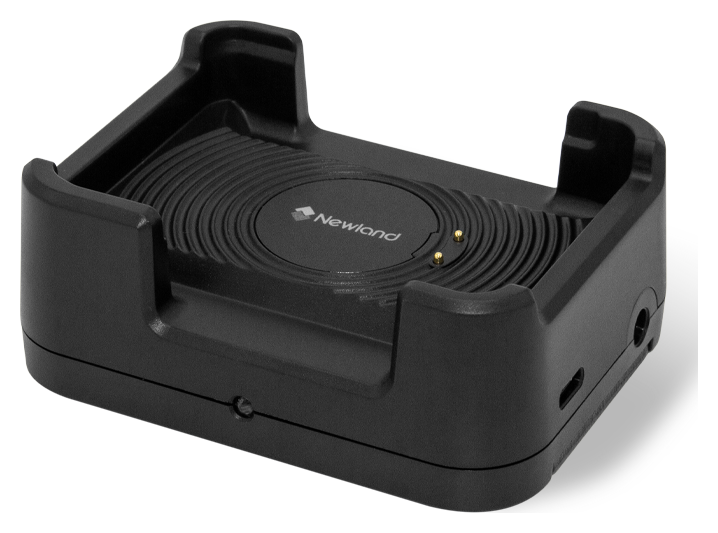
Charging base for WD1
Code: NLS-WCD10-1C
Base for WD1-W4 connectable up to five units. Allows you to organize the charging of multiple wearable devices; the power supply is not included.
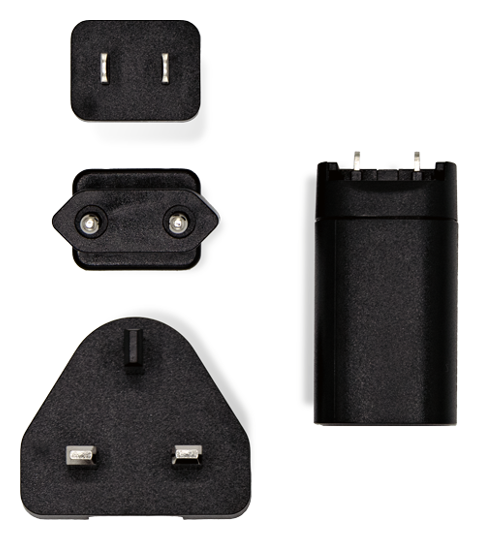
Fast charging USB power supply
Code: ADP710
Power supply with USB port and adapters for EU, UK and US sockets, can be used for compatible devices and bases. The CBL-TC-N7 USB cable is not included.
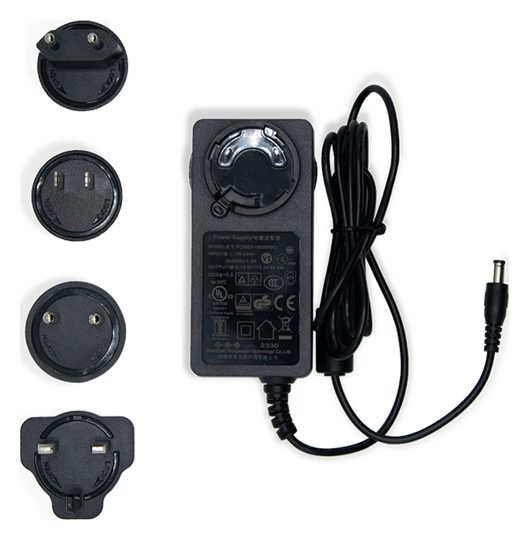
19 V multi-socket power supply
Code: AD60-D-M
19 V and 3.2 A power supply with EU, UK, US and IN adapters, provided for compatible bases and multiple chargers. The quantity of connectable bases depends on the series used.
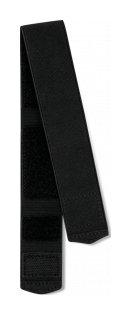
Hook and loop strap for WD1
Code: Strap-VE-10
Strap with hook and loop closure for WD1, supplied in a pack of ten pieces.
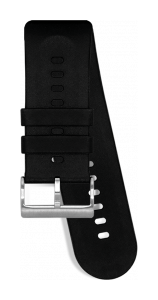
Silicone strap for WD1
Code: Strap-SI-01
Silicone strap to wear WD1 on the wrist, available as a spare part of the strap in use.
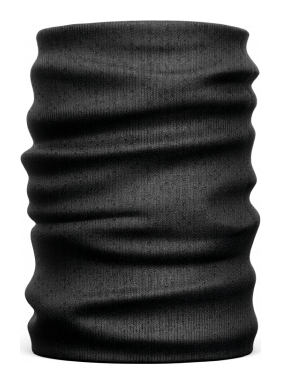
Armband for WD1
Code: Sleeve-Arm-10
Armband dedicated to the WD1 wearable terminal. Pack of ten pieces.

Protective glass for WD1
Code: SPWD1
Glass protection for the display of the WD1 wearable device.
Do you need accessories for the WD1 II Watch Scanner?
Tell us the accessory code and quantity, or describe the station you want to create. We help you choose the right equipment; you can attach a photo of the device or accessory to be replaced in the request form.