
Loftware NiceLabel Automation
NiceLabel Automation, in the Loftware ecosystem, connects business events and data to label printing. A trigger detects the event, filters extract data, and actions initiate expected operations, such as opening the model and printing. The module should be evaluated when the management system, a line or a service must request labels without manually copying the data.
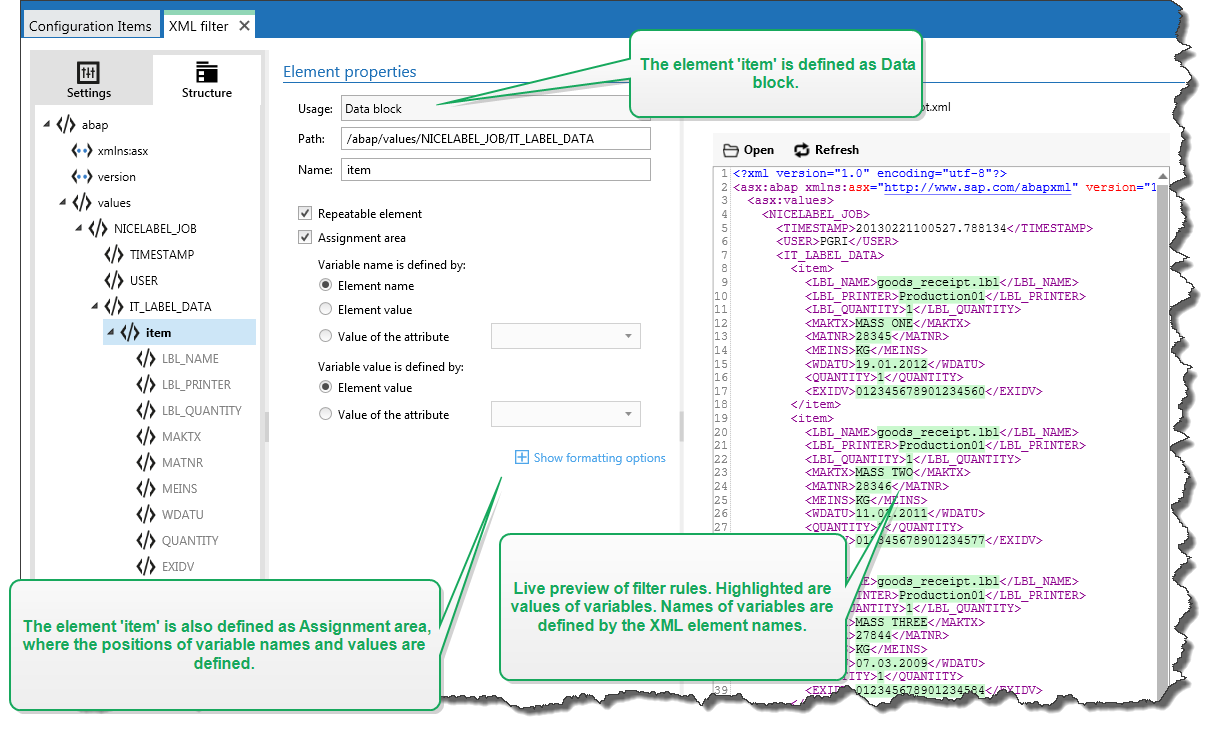
Illustrative screen: interface and functions depend on version and edition.
Characteristics and use
- Trigger to start the flow when an event occurs
- Filters to associate the data received with the label variables
- Actions to coordinate printing and data exchange
Models and configurations
Automation Builder configures flows and actions; Automation Manager allows you to manage integrations; the service performs the configured tasks. Triggers and functions available depend on the software level adopted.
Technical documentation
NiceLabel Automation 10 Guide (PDF, EN)
Applications
Automation links business system events to label printing. A message or data received can start the model with the values expected by the process, reducing the manual work of selection and compilation.