
BarTender integrations and automation
BarTender integrations connect label printing to data and events from ERP, WMS, MES and other enterprise applications. The goal is to start the correct model with the process values, avoiding manually copying the data. The flow must define how to receive the request, associate the variables, select the printer and recognize the completion of processing.
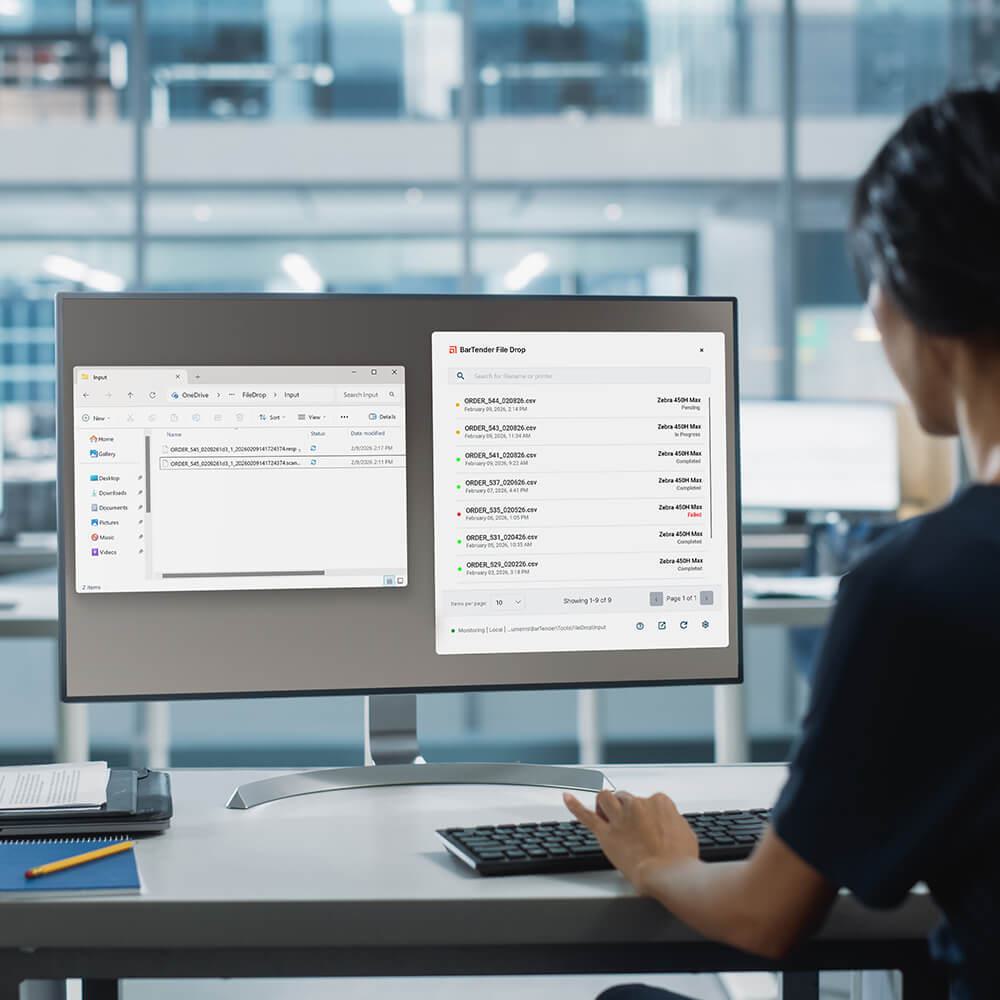
Illustrative image: Interface and functions vary depending on version, edition and configuration.
Characteristics and use
- Connecting business applications and label templates
- Initiate printing from compatible events, files, or services
- Data mapping and management of operating conditions
Models and configurations
Integration Builder sets up integrations in your on-premises environment. In the Cloud offer, API and File Drop allow you to feed printing through the services provided by the relevant plans.
Applications
The integration allows, for example, to start a label from the receipt of an order or from the progress of a production. Data from the business system feeds the template fields, reducing manual typing.