
Unitech Utility for Android terminals
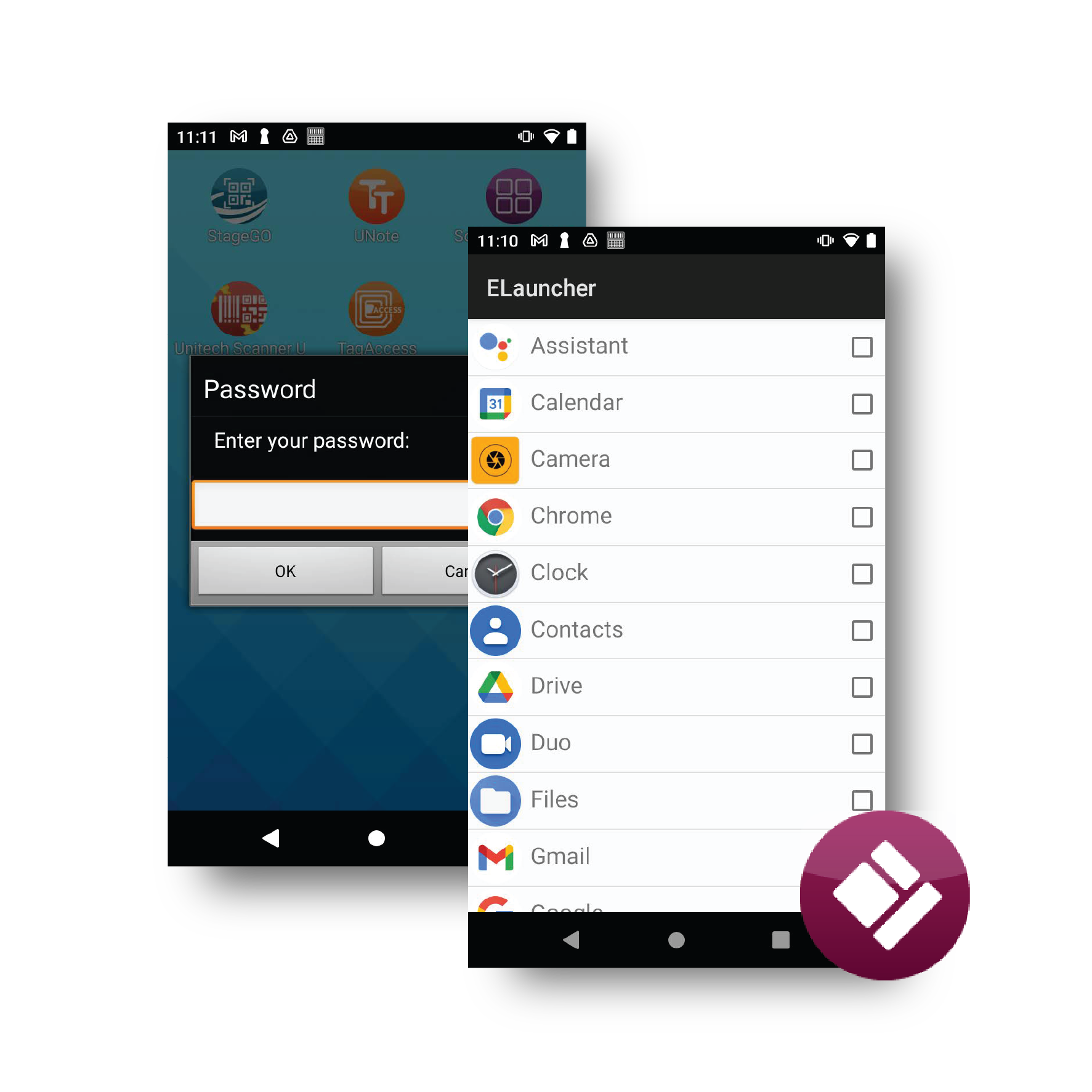
Unitech utilities for mobile terminals organize device setup and use. StageGO distributes settings and configuration resources; ELauncher defines the operational interface; EBrowser integrates web applications with terminal functions. The different tools cover different phases of the work, from preparing the device to its daily use.
Main features
- ELauncher to limit access to applications
- StageGO to prepare the terminals via barcode
- KeyRemap to reconfigure the physical keys
- Enterprise Keyboard for keyboard, OCR and data capture
- EBrowser with business controls and SDK tools
- Showcase to demonstrate hardware and software functions
Models and configurations
Availability and functions vary depending on device, operating system and utility version. The tools are not interchangeable: setting up a terminal with StageGO, tying the interface with ELauncher and integrating a web app with EBrowser are different activities.
Applications and integration
Utilities can simplify the startup of fleets and the daily use of applications.
Technical documentation
ELauncher datasheet (PDF, English)
StageGO datasheet (PDF, English)
Keyremap datasheet (PDF, English)
Enterprise Keyboard datasheet (PDF, English)